When working with clients in Rentix you can easily add them to a property as a collaborator without having to invite them via email each time.
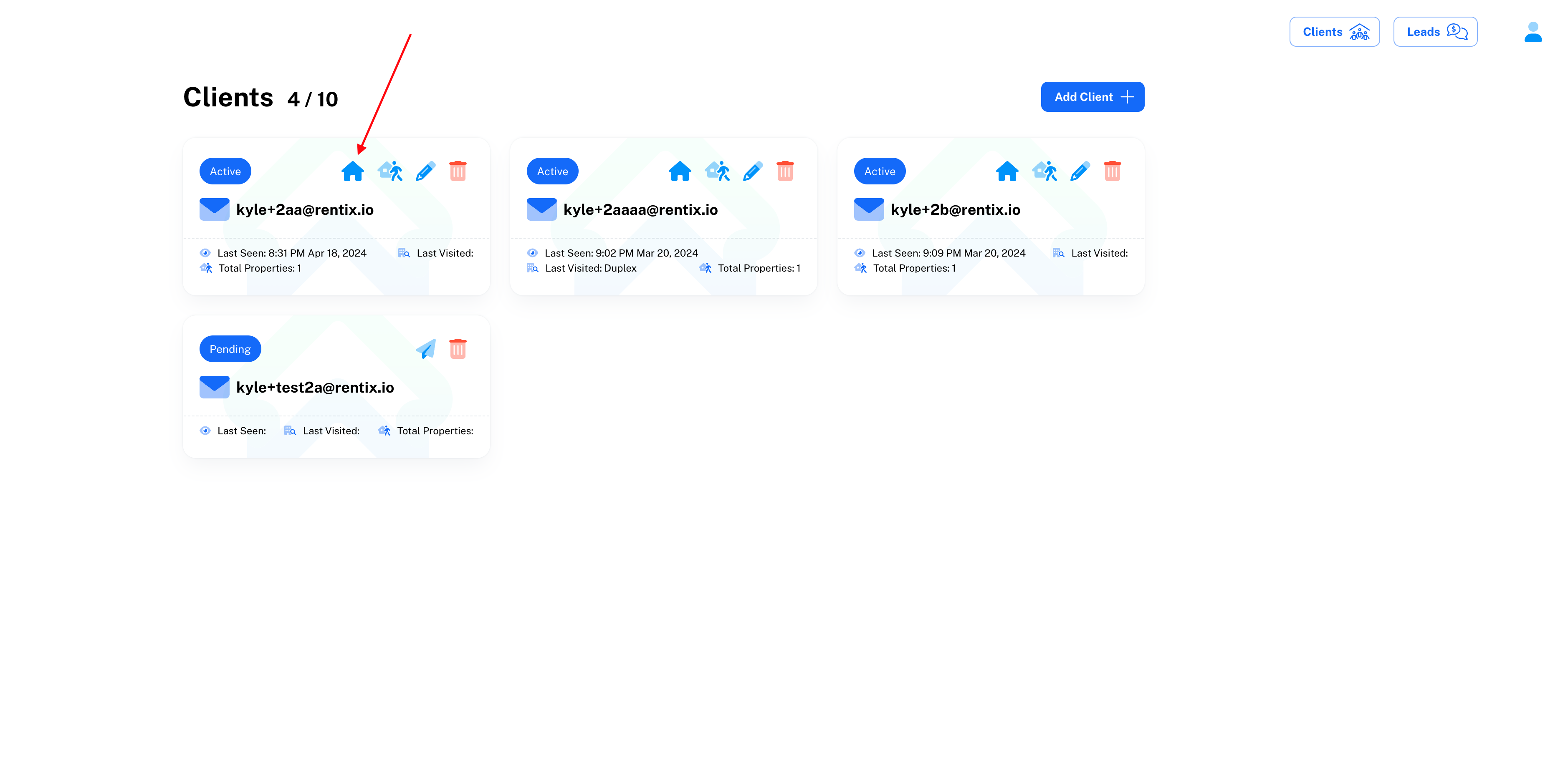
First, navigate to the client dashboard https://app.rentix.io/dashboard/clients
Then open your properties on the client (The house on the left of the card)
You will then be presented with a list of your properties like this:
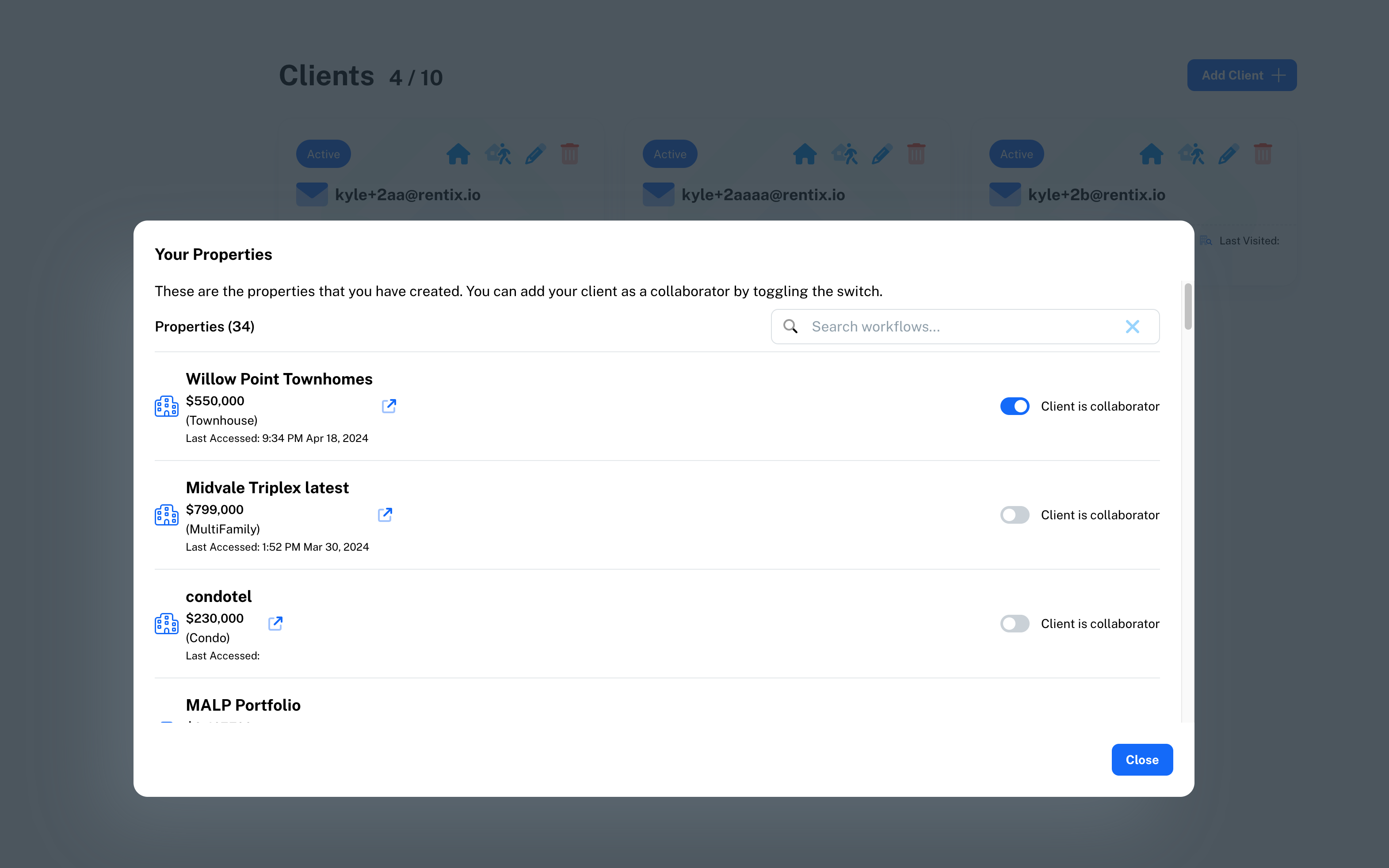
You can add or remove a client as a collaborator on a property by using the toggle on the right of the modal.